PDF guide
RigPi 5 Help
Keep the RigPi 5 operating guide nearby for installation, settings, radio connections and everyday operation.
Open RigPi 5 HelpGet the RigPi 5 Raspberry Pi image, keep the help guide handy, and find the tools and resources for your station.
RigPi 5 RC2 · Raspberry Pi disk image · ZIP download
The Raspberry Pi image brings radio control, RigPi-SDR, browser audio and station tools together. Download the ZIP, extract the disk image, and write it to the storage you will use with your Raspberry Pi.
Follow the RigPi 5 Help guide to configure your radio, audio and user accounts. Back up any files you want to keep before writing the image: writing a disk image replaces the contents of the selected storage.
Download image ZIP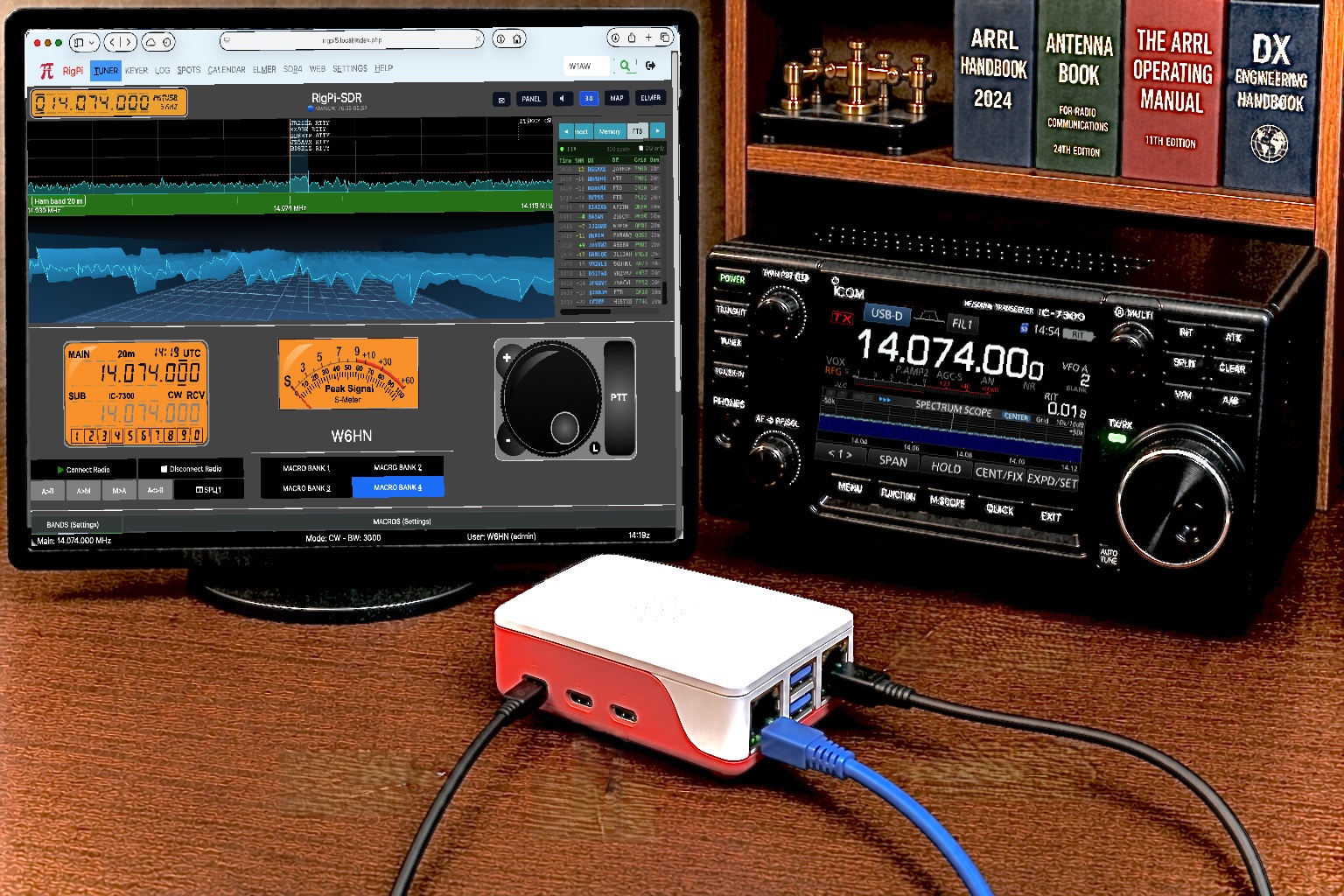
The guide, Windows companion, hardware references and source code—all in one place.
Keep the RigPi 5 operating guide nearby for installation, settings, radio connections and everyday operation.
Open RigPi 5 HelpConnect a compatible Windows logging program to RigPi for radio control. RigPi Hub is an optional companion for Windows; normal browser operation does not require it.
Download RigPi HubCircuit schematics for the original MFJ RigPi Audio and CW Keyer boards. Useful for hardware reference, maintenance and troubleshooting.
Open schematicsExplore the RigPi source code, project documentation and community development. The RigPi 5 disk image is available from the download button above.
Visit rigpi on GitHubLearn how RigPi links your radio and station accessories to browsers, or explore the SDR features.