Local or remote
Use your station from the shack, another room, or remotely through the Internet.
RigPi brings your amateur radio station to any browser. Control your radio, see the spectrum, hear your receiver, and work voice, CW and digital modes—locally or remotely.
RigPi Station Server connects your radios, SDRs and station accessories to a clean browser interface. No client software is required for normal browser operation.
See how RigPi works →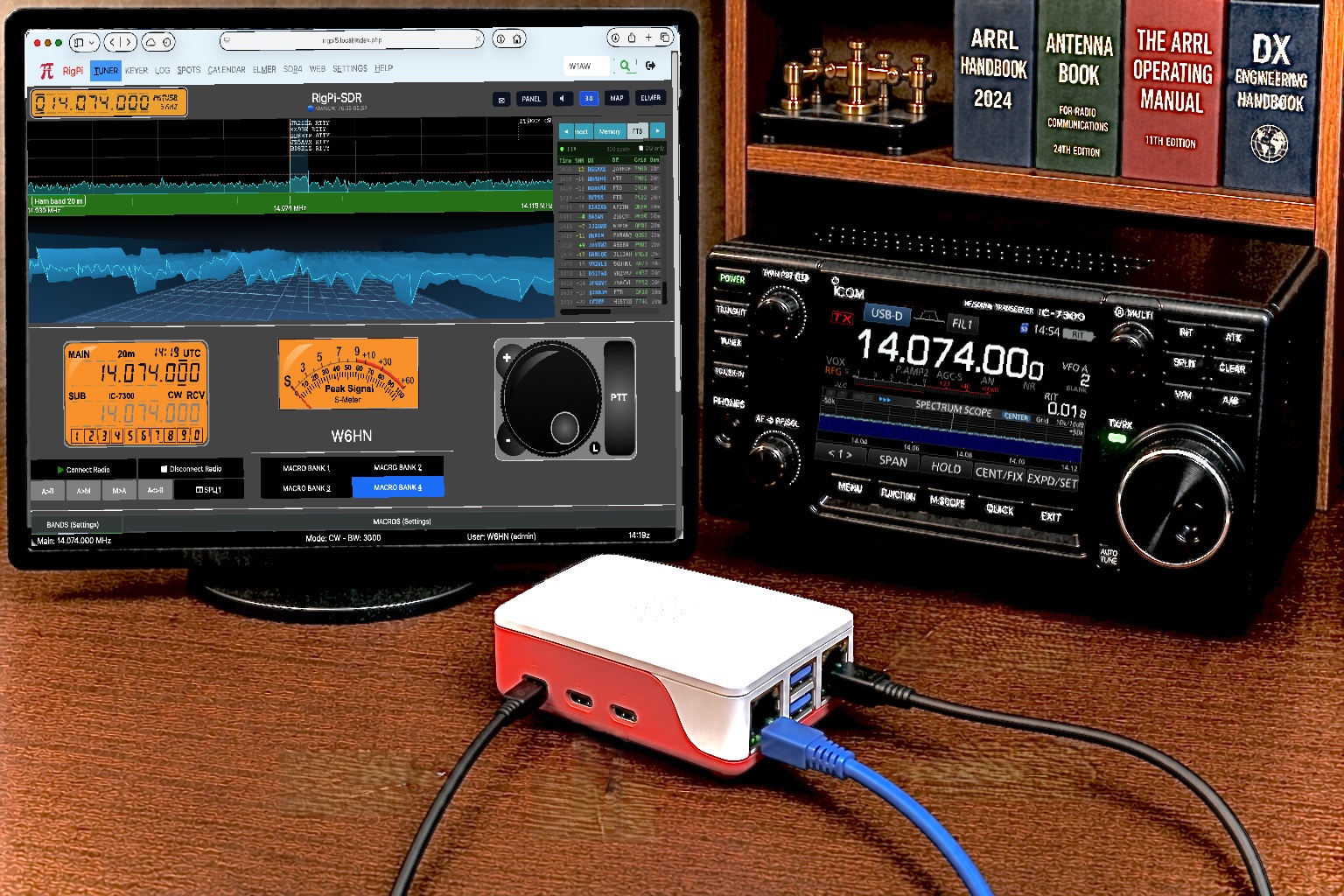
A high-resolution spectrum and waterfall join radio control, receive and transmit audio, FT8 decoding, band memories and frequency intelligence. Tune from the display, change bands and modes, and operate without leaving the browser.
Explore RigPi-SDR →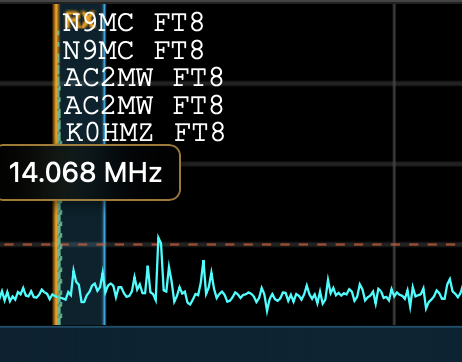
From a chair across the shack to a connection across the country, RigPi keeps the station interface consistent.
Use your station from the shack, another room, or remotely through the Internet.
Built from the beginning for multiple users, multiple radios and independent settings.
Browser audio, Voice Keyer, CW keying, WSJT-X, JS8Call and integrated station tools.
Independent band memories, radio settings, schedules, logbooks and operating preferences.
RigPi uses Hamlib for broad amateur-radio support and connects to popular local and network SDRs.
RigPi Station Server runs on a Raspberry Pi at your station, providing radio control, audio, SDR operation, logging and remote-access services.
Download the Raspberry Pi image, connect your radio, and start operating.